 Unlockr
1 minute
Breathe
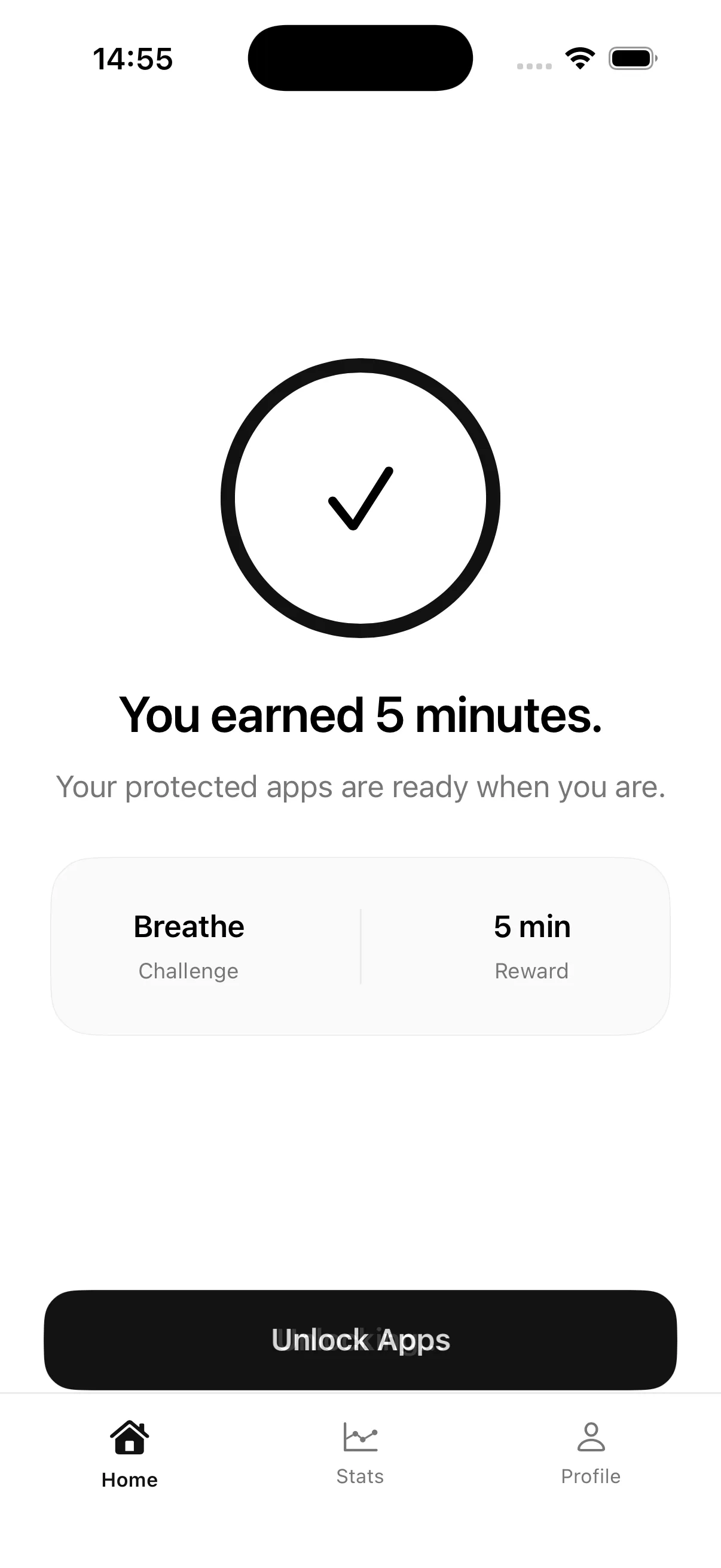
Follow the circle through a guided minute. Returns 5 minutes and unlocks everything at once.
Screen time, earned
Unlockr puts one healthy decision between you and the feed. Breathe, move, then use the time you earn — only while you are actually using it.


1 : 5
One minute of guided breathing returns five minutes of access. Harder challenges return more.
The fair balance
Put your phone down and your balance pauses. Come back later and the minutes you earned are still there — no disappearing countdown.
The Unlockr loop
Set it up once. Unlockr takes care of the moment where habit usually wins.
Choose individual apps or whole categories through Apple's own picker. Unlockr never sees which ones you chose, only an opaque token the system hands back.
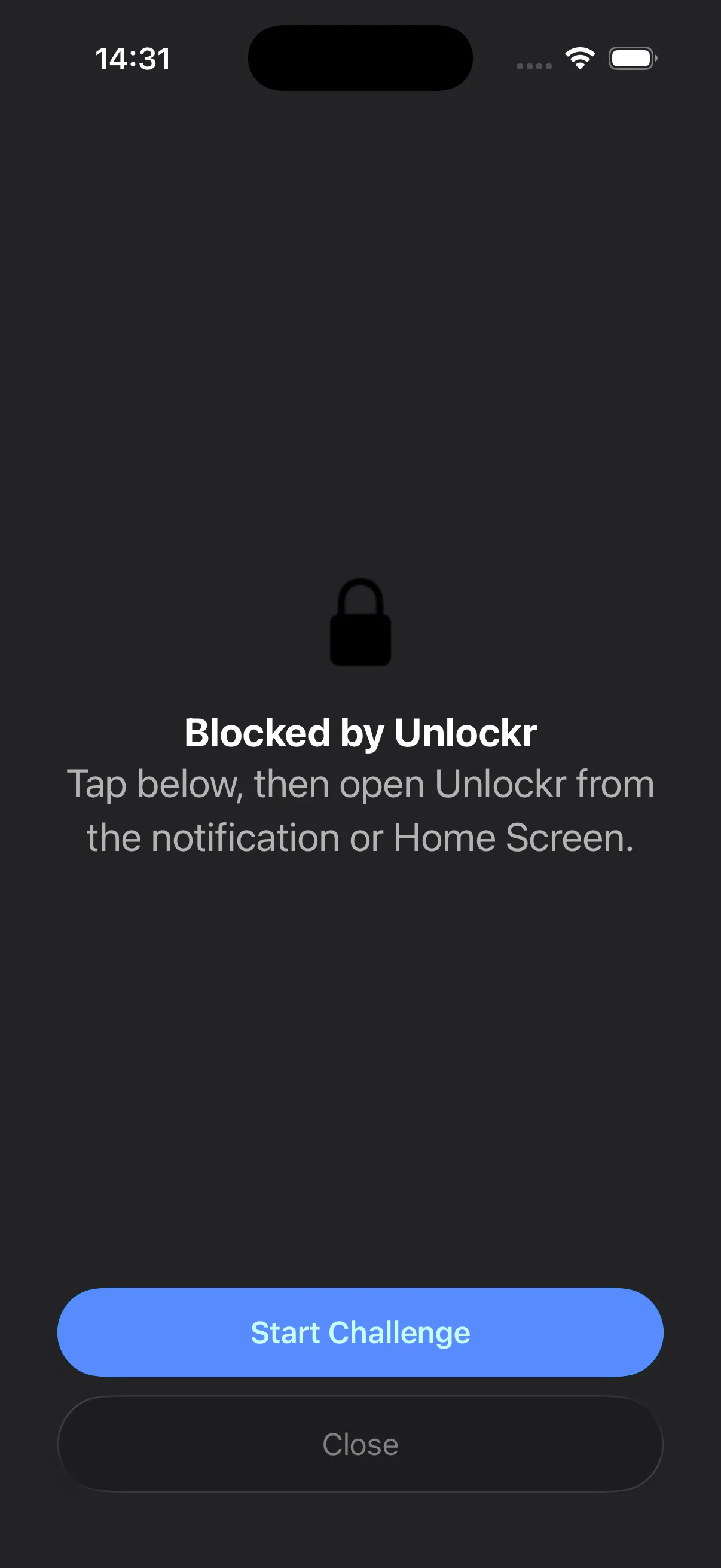
Opening a locked app shows a quiet screen with one button. No countdown to wait out, no way to tap through by accident.
Finish a challenge and the app opens. Your earned minutes sit in a daily balance that only counts down while the app is on screen.
Designed to hold up
Earned time is tracked against a stable identifier for each app, so force quitting Unlockr, rebooting, or reinstalling does not hand you free access. The balance resets on its own at midnight.
Enforcement lives in Apple's Screen Time layer, not in a timer Unlockr can be talked out of.
Earn access for a single app when that is all you need, or unlock everything at once after the daily breathing session.
Each app in your list shows how long you have actually used it today.
A day counts once you finish a real challenge, not for opening the app.
Choose your friction
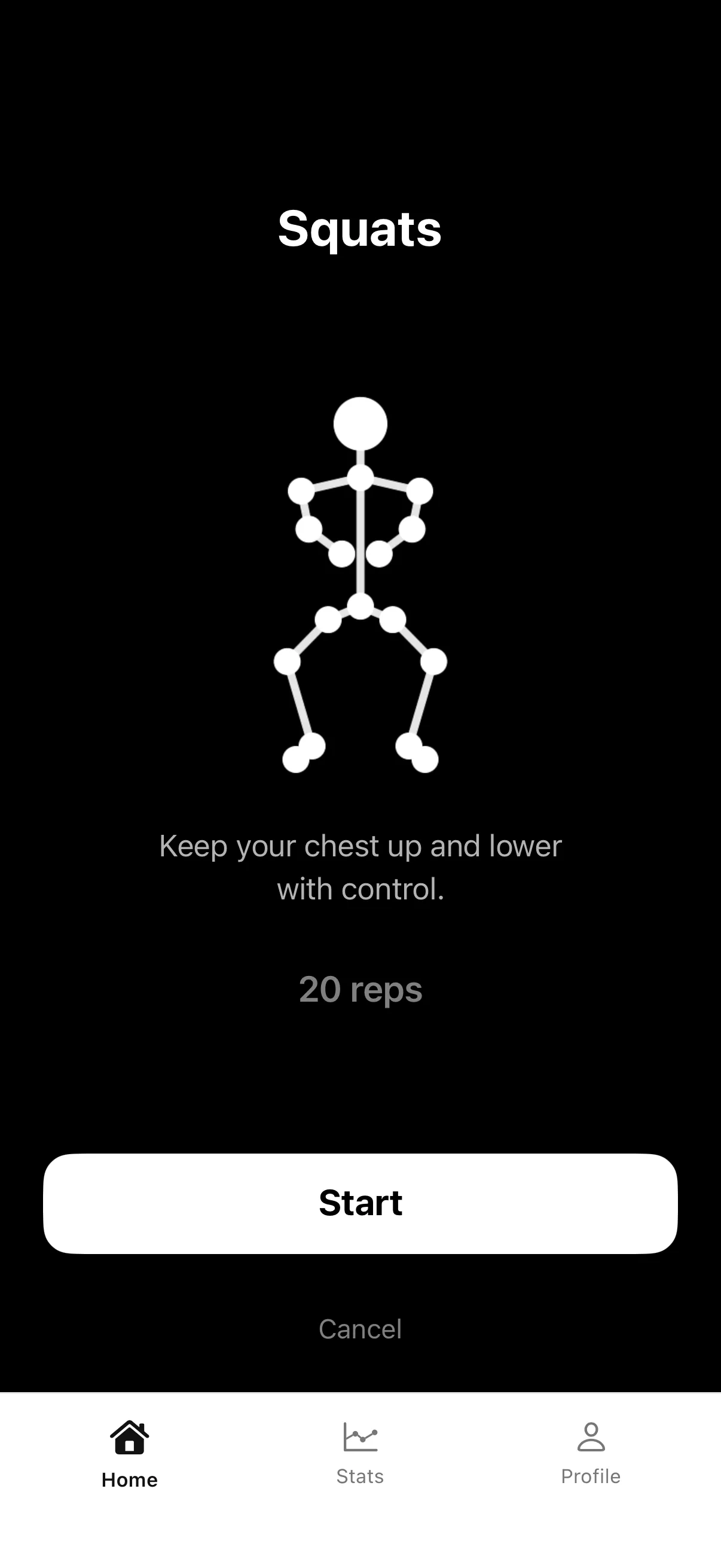
Reps and form are counted on device by the camera. Nothing is recorded.
1 minute
Follow the circle through a guided minute. Returns 5 minutes and unlocks everything at once.
20 reps
The camera counts depth and form. Returns 20 minutes for the app you picked.
15 reps
Prop the phone where it can see your shoulders and hips. Returns 20 minutes.
60 seconds
Hold the line while the timer runs. The longest hold returns the most time, 30 minutes.
Counting reps needs a camera. It does not need a server.
Pose detection runs through Apple's Vision framework on your iPhone. No frame is written to disk or sent anywhere.
Apple hands apps to us as opaque tokens. Unlockr cannot read them back into names, and they are never synced.
There is no advertising identifier, no analytics SDK, and nothing sold to anyone.
Straight answers
The short answers, before you download.
Yes — pairing exercise with app access breaks the automatic habit loop. Unlockr locks the apps that pull you in and only unlocks them after a short breathing exercise or a set of squats, push-ups, or a plank, so opening them takes intention instead of a reflex.
That's Unlockr's core mechanic. Pick the apps that take up your day, and each one stays behind a shield until you complete a quick physical or breathing challenge to earn time back.
Install Unlockr, grant Screen Time (Family Controls) access, then choose which apps to protect. From then on, opening one of them shows a shield with a single button to start a challenge instead of the app itself.
Unlockr tracks streaks and a weekly breakdown of time you've actually earned, rather than just blocking apps outright — so progress is visible, not just restricted.
Turn screen time into something you earn instead of something you're only denied. Unlockr's balance survives a restart and counts down only while you're actually using the app you unlocked, so the incentive stays honest.
From the App Store
Real reviews from the App Store.
Really help me reduce screen time 🥹
Very helpful app. Should use this to improve your health and reduce using your phone every day.
This app is very useful. It offers different ways to improve your health, and it also helps curb overusing your phone for entertainment. A great app that supports both health and time management in daily life.
Really suited to helping cut down daily phone use.
Your next open can be different
One minute of intention can change the next hour.
Download on the App Store